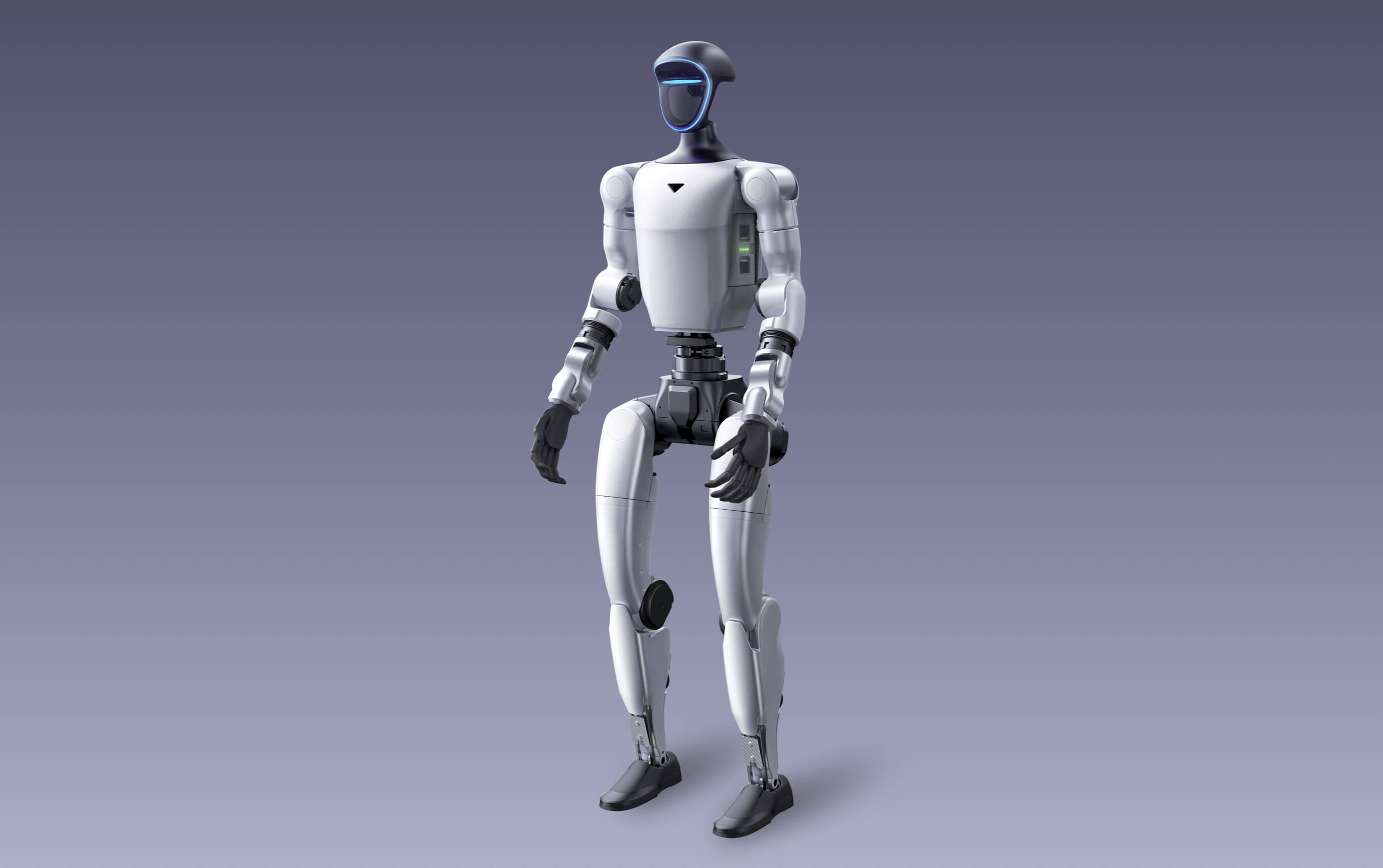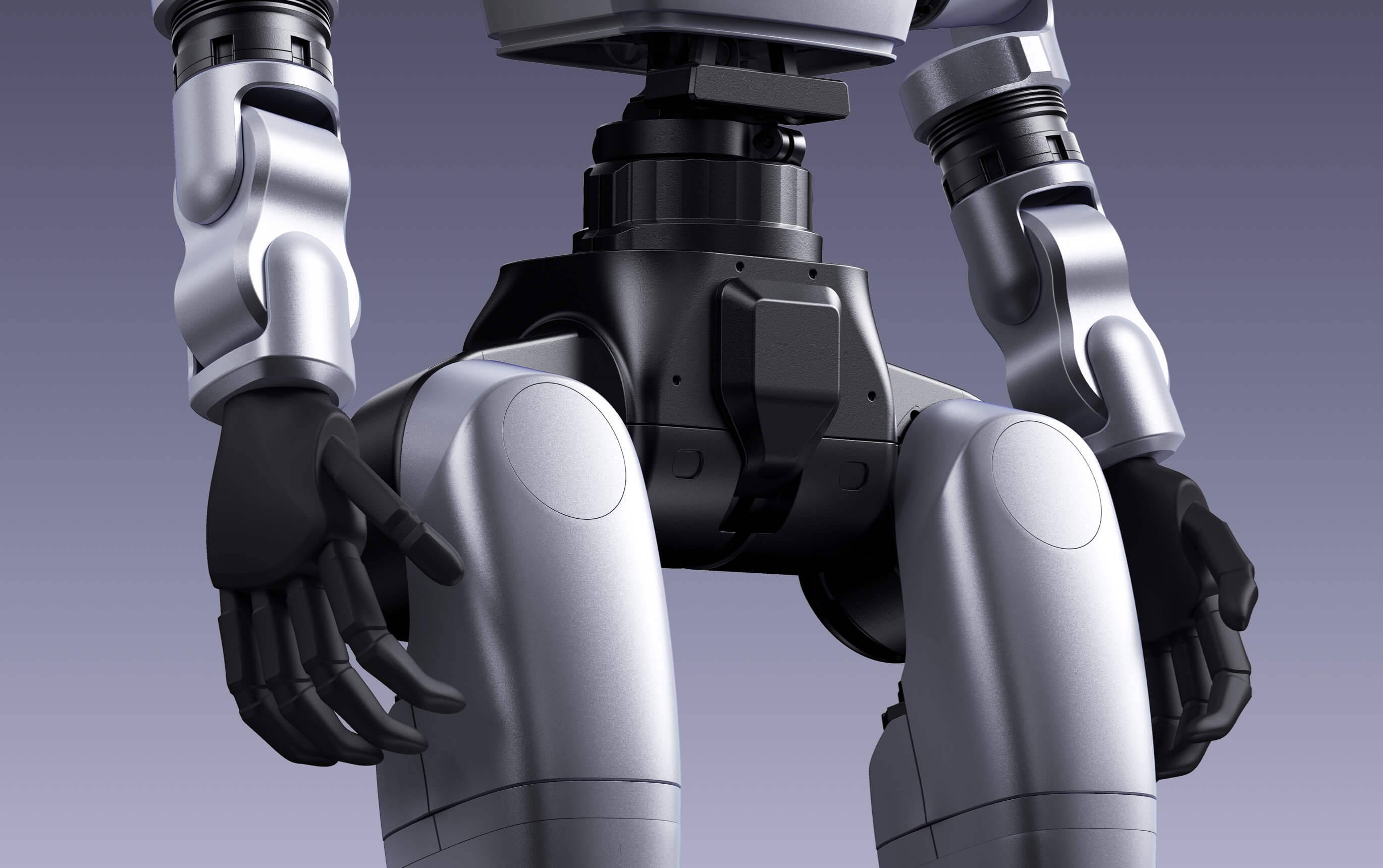
A family name is not a complete robot configuration. Standard and EDU editions can share the same overall form while differing in the access and hardware that determine whether a team can build its own system.
Unitree currently identifies EDU editions of R1, G1 and H2 for secondary development. That distinction should be resolved before price comparisons, grant applications or procurement approval.
Choose standard editions for supported standard capability
A standard edition may suit demonstrations, evaluation and use of manufacturer-supported functions where the buyer does not need to build low-level or custom behaviour.
Do not infer that a visible promotional capability is included, locally supported or exposed through a programming interface. Confirm the functions, controller and software terms attached to the exact quoted edition.
Choose EDU when the team must develop
If the project involves custom perception, control, manipulation, data collection or external AI integration, begin the discussion with the relevant EDU edition. Unitree currently lists secondary development for R1 EDU, G1 EDU and H2 EDU.
Development access alone is not the whole solution. Ask which SDK, documentation, simulation tools and interfaces are supplied and whether they match the team’s technical workflow.
Specify compute, sensors and end-effectors
EDU configurations may offer additional compute modules, degrees of freedom, hands, wrists or sensors. Options vary between families and can change the project’s payload, power use, software work and price.
Name each required component in the quotation. “G1 EDU” without the hand, compute and interface detail may still be too ambiguous for technical acceptance.
Align warranty with intended use
Manufacturer-published warranty periods vary by family and edition, and warranty conditions can distinguish ordinary use from modification or misuse. Ask how development work, replacement components and custom attachments interact with support.
Australian Consumer Law rights are not excluded where they apply. Keep the signed quote, invoice, serial number, configuration and acceptance record together.
Use a configuration checklist before approval
Technical and procurement stakeholders should sign off the same itemised description. This avoids a lower-cost edition being approved even though it cannot support the proposed program.
- Exact family and edition
- Joint and end-effector configuration
- Onboard and optional compute
- Sensors, batteries, charger and controller
- Secondary-development access and documentation
- Warranty, support, GST, freight and availability
Practical note: Compare like with like. A lower headline price is not a saving if the edition cannot run the planned work.
Frequently asked questions
Can a standard Unitree humanoid be upgraded to EDU later?
Do not assume so. Upgrade pathways depend on the family, current manufacturer options and supplied hardware. Select the required edition before ordering.
Does EDU automatically include dexterous hands?
Not necessarily. Hands and other end-effectors can be configuration-dependent. Require the exact type and included hardware to be itemised.
Is EDU only for universities?
No. EDU identifies development-oriented editions and can also be relevant to company research and engineering teams. Suitability depends on the intended work and procurement terms.
Specifications, configurations, availability and manufacturer terms can change. Confirm the current product configuration and written quotation before ordering.