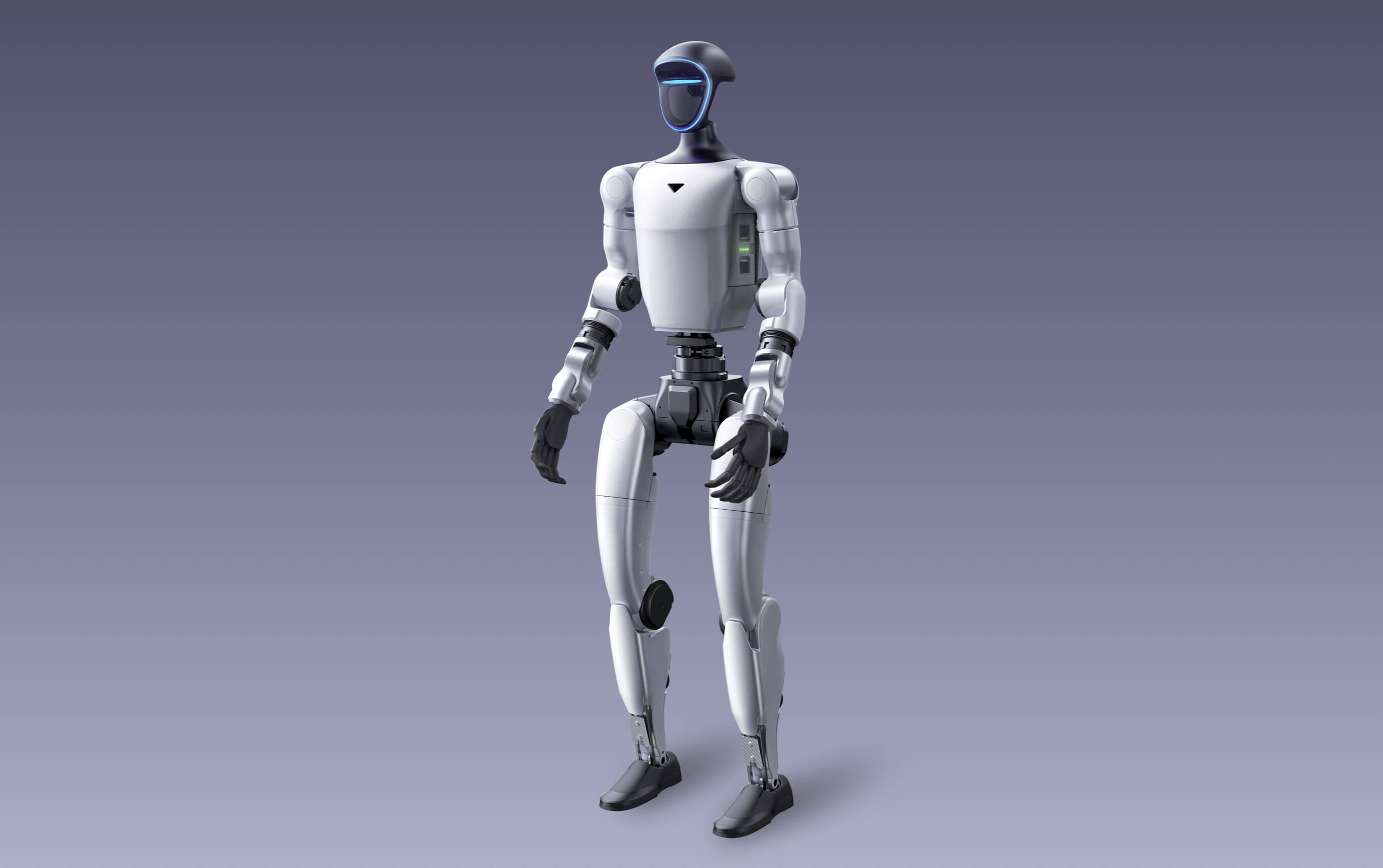
R1, G1 and H2 are not simply small, medium and large versions of the same purchase. Their physical scale, operating demands and likely programs differ, and each family has editions with different development access.
The useful comparison begins with the job: whether the organisation needs an accessible learning platform, a compact embodied-AI research system or adult-height reach for an advanced program.
Choose R1 for accessible, compact programs
Unitree currently lists the R1 family at 123 cm tall and approximately 27 to 29 kg. Published battery life is about one hour. The family includes R1 AIR, R1 and R1 EDU, with differences in joints, cameras, compute, warranty and development access.
R1 can be a practical starting point for structured STEM, teaching and demonstrations. R1 EDU is the edition currently listed for secondary development, so custom software teams should not treat the entry editions as interchangeable.
Choose G1 for compact embodied-AI research
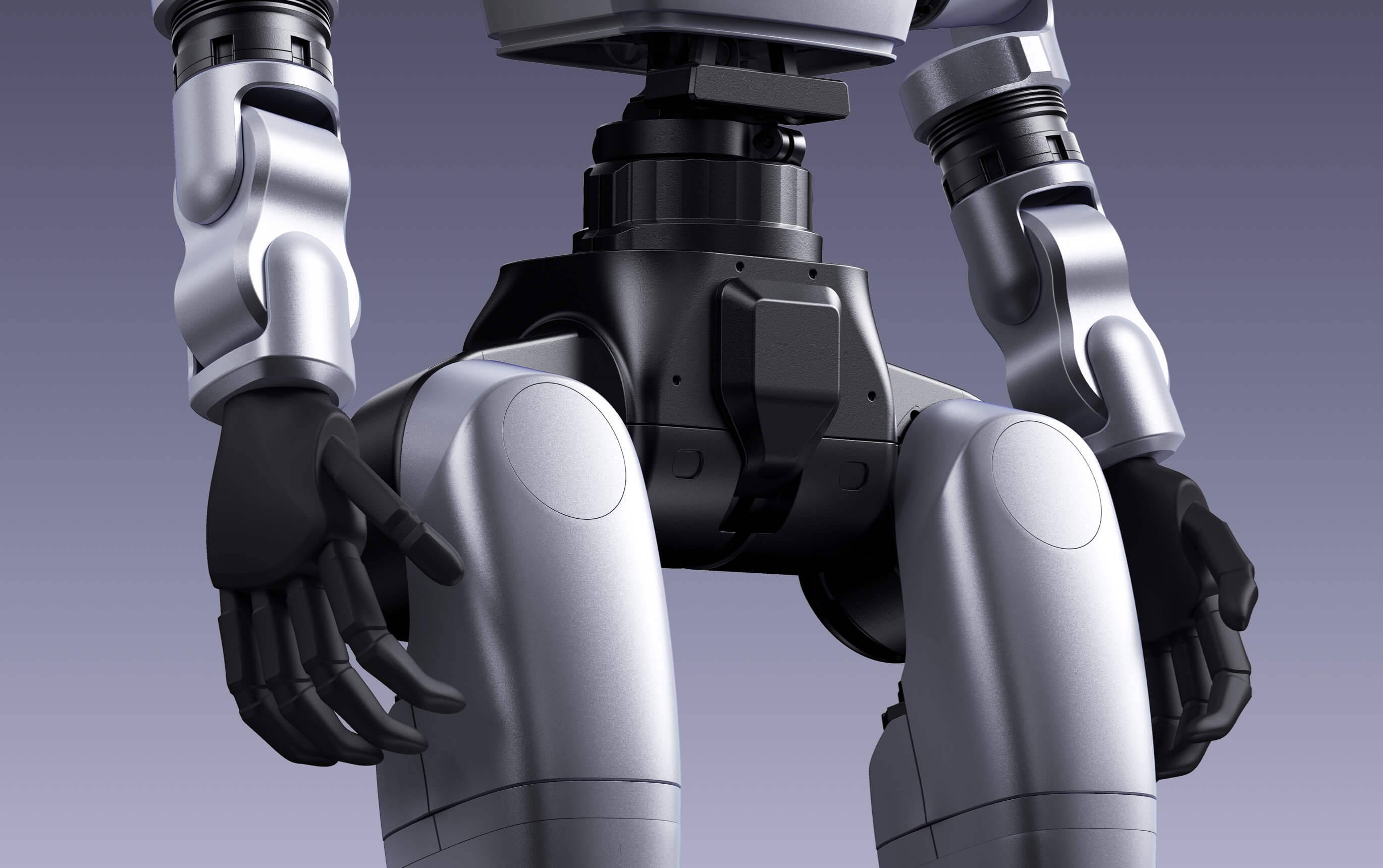
Unitree lists G1 at 132 cm tall, approximately 35 kg and around two hours of battery life. G1 EDU configurations can add development access, joints, compute and end-effectors depending on the quoted build.
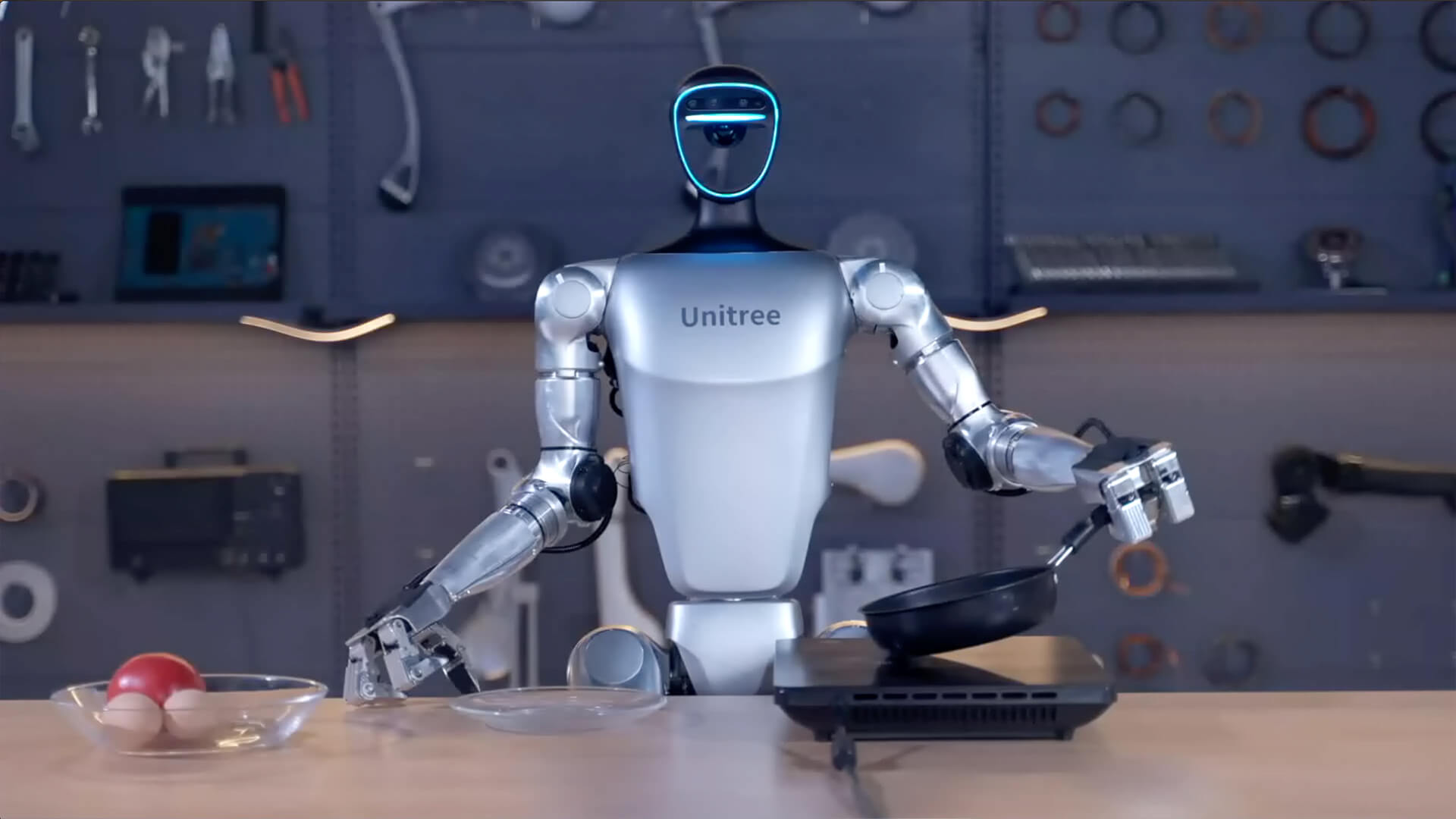
G1 often occupies the most versatile middle ground for universities and engineering teams working on locomotion, perception or manipulation without needing a full-size platform. The required hand, wrist, compute and sensor configuration should follow the research plan.
Choose H2 only when full size solves a requirement
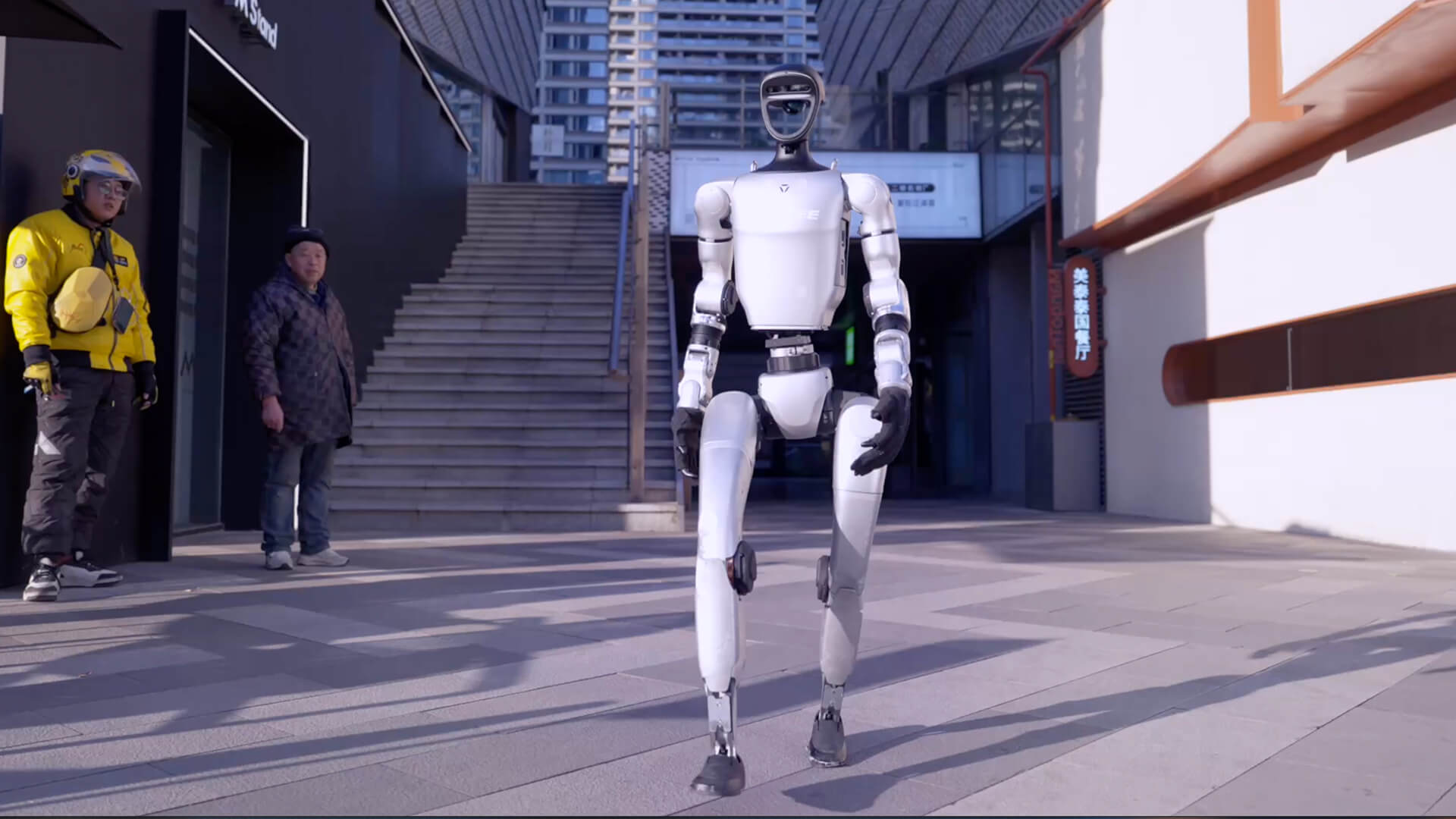
Unitree lists H2 at 182 cm tall, approximately 70 kg, 31 joints and around three hours of battery life. That adult-height form can matter for human-scale reach and advanced full-body research.
The same scale increases facility, transport and safety demands. H2 should be procured as an operating program with controlled space, trained personnel and recovery procedures. H2 EDU is the edition currently listed for secondary development.
Compare the factors that change the project
A headline hardware price does not reveal the deployed project cost or whether the robot can support the intended work. Compare the exact editions against the same requirements before requesting a quote.
- Required secondary development and software interfaces
- Physical reach, mass and test-zone requirements
- Battery runtime and charging workflow
- Compute, sensors, hands and other end-effectors
- Freight, GST, commissioning, training and support
- A measurable pilot outcome and responsible operator
Make the final choice with a task statement
Write a one-page task statement covering the environment, objects, payload, frequency, required judgement, people nearby and how success will be measured. Use it to test whether a humanoid is preferable to a fixed arm, mobile base or process change.
Then request a configuration-specific Australian quote. The selected edition, included hardware, availability, GST and delivery estimate should be visible before an order is placed.
Practical note: If the project cannot yet explain why it needs R1, G1 or H2, it is ready for discovery—not hardware procurement.
Frequently asked questions
Which Unitree humanoid is best for a university?
It depends on the research and teaching plan. R1 EDU can suit compact learning programs, G1 EDU can suit broader embodied-AI research, and H2 EDU can suit prepared teams that specifically need full-size reach or motion.
Which model supports custom development?
Unitree currently lists secondary development for the EDU editions of R1, G1 and H2. Confirm the exact interfaces, compute and documentation in the quotation.
Should runtime determine the model?
Runtime matters, but it should not override physical suitability, development access, end-effectors, facility constraints and the actual task.
Specifications, configurations, availability and manufacturer terms can change. Confirm the current product configuration and written quotation before ordering.